Tesla Panel Gap Adjustment: DIY Fix Guide (Model 3, Y, S, X)
Panel gaps are the most common complaint about Tesla build quality. The good news? Most gaps are adjustable, and you can fix them yourself in under an hour with zero special tools.
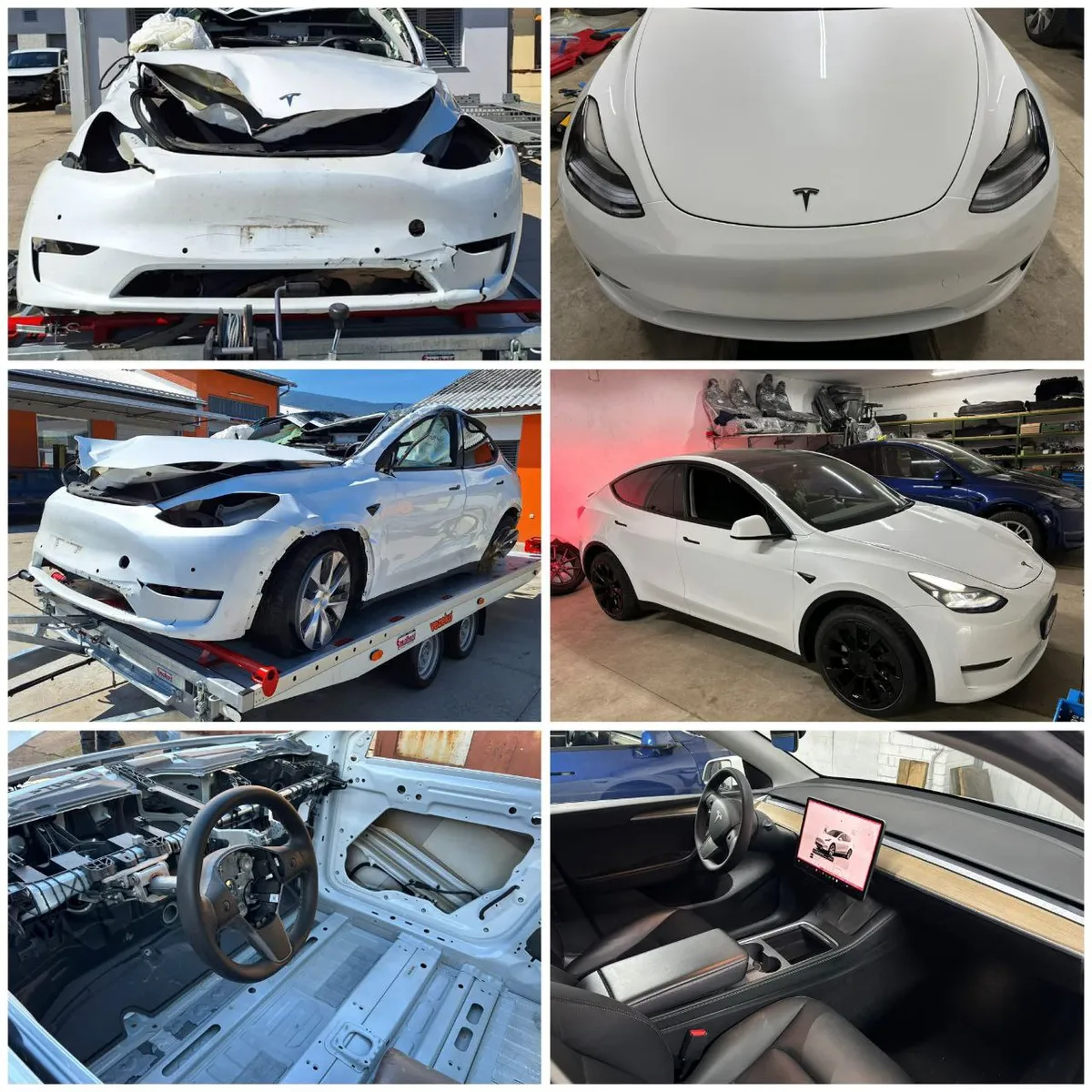
This guide covers the most common panel gap issues and their DIY fixes for Model 3, Model Y, Model S, and Model X.
Before You Start: Understanding Panel Gaps
Gap = the space between two panels (measured in millimeters) Flushness = how even the surfaces are (one panel shouldn't stick out further than another)
Tesla's target is typically 4-5mm gaps with panels flush to within 1mm. Some variation is normal—even luxury cars rarely achieve perfect alignment on every panel.
Pro tip: Before adjusting anything, take photos of all gaps from multiple angles. This helps you track progress and return to original positions if needed.
The Quick Fixes (No Tools Required)
These adjustments take 5-10 minutes and fix the majority of trunk and frunk gap issues.
Trunk/Liftgate Rubber Stops
The most common panel gap complaint is the trunk sitting too high or too low on one side. This is almost always fixable by adjusting the rubber bumper stops.
Location: Open your trunk and look at the body where the trunk lid meets the car. You'll see rubber stops (also called "overslam bumpers") that the trunk rests on when closed.
- Model 3: 2 rubber stops on the body (by tail lights), 2 on the trunk lid
- Model Y: 4 adjustable stops on the liftgate, 2 on the body
- Model S/X: Similar layout—look for black rubber stops
How to adjust:
- Open the trunk fully
- Locate the rubber stops (they look like black rubber cylinders)
- To raise that side of the trunk: Turn the stop counter-clockwise (it screws out)
- To lower that side: Turn clockwise (screws in)
- Make small adjustments—1/4 turn at a time
- Close trunk and check alignment
- Repeat until the gap looks even
Important: Don't over-extend the stops. If they're too far out, the trunk won't latch properly. Maximum is usually 2-3 full turns from the fully-seated position.
Frunk/Hood Rubber Stops
Same principle as the trunk—rubber stops control how the frunk sits when closed.
Location: Open the frunk and look at the front edge of the body opening. You'll see 2-4 rubber stops.
How to adjust:
- Open frunk
- Find the rubber stops (front edge of the opening)
- Turn counter-clockwise to raise, clockwise to lower
- Adjust both sides equally to keep it level
- Close and check alignment with fenders and headlights
- Test that the frunk still latches securely
Striker Adjustments (10mm Wrench Required)
If rubber stops don't fully fix the issue, the striker (the metal latch that the trunk/frunk hooks onto) may need adjustment.
Trunk Striker Adjustment
Tools needed: 10mm socket or wrench, marker
- Open trunk
- Locate the striker on the body (the metal U-shaped piece the latch grabs)
- Mark its current position with a marker—this is your reference point
- Loosen the striker bolts (don't remove completely)
- Shift the striker:
- Move it up → trunk closes lower
- Move it down → trunk closes higher
- Move it left/right → adjusts side-to-side alignment
- Hand-tighten bolts
- Close trunk and check alignment
- Open and final-torque the bolts when satisfied
Frunk Latch Adjustment
The frunk latch (what pulls the hood down) is also adjustable:
- Open frunk
- Locate the latch mechanism (center of the opening)
- Loosen mounting bolts
- Adjust position as needed
- Retighten and test
Door Panel Gaps
Door gaps are trickier because they involve hinge adjustments. Here's what you can do:
Check Door Alignment First
Before adjusting anything, check if the door is actually misaligned or if it's an optical illusion from fender positioning.
- Open the door 90 degrees
- Look at the hinges—do they look stressed or bent?
- Check the door seal—is it compressed evenly when closed?
- Look at the gap from the side (not straight on)
Door Striker Adjustment
The door striker controls how far in/out the door sits when closed (flushness).
- Open the door
- Locate the striker on the B-pillar (door frame)
- Mark current position
- Loosen the striker bolts (T40 Torx on most Teslas)
- Adjust striker position:
- Move it outward → door sits more flush
- Move it inward → door sits more recessed
- Tighten and test
Door Hinge Adjustment (Advanced)
Door hinges control the gap between the door and fender/body. This is more complex:
- Mark hinge bolt positions before loosening
- Loosen hinge bolts (don't remove)
- Have a helper hold the door while you adjust
- Move the door to desired position
- Tighten bolts
- Check that door closes properly and window aligns with seals
Warning: Door hinge adjustment can affect window alignment, door seal compression, and latch engagement. Only attempt if you're comfortable with the complexity.
Model-Specific Tips
Model 3
- Front door to fender gap is commonly tight at the top—check hinge adjustment
- Trunk gaps are usually fixed with rubber stops alone
- Charge port door alignment is adjustable via its hinge
Model Y
- Liftgate gaps are the #1 complaint—rubber stops usually solve it
- Rear quarter panel gaps are often acceptable variation (not adjustable)
- Check that liftgate seals properly after any adjustment
Model S
- Hood (frunk) gaps are adjustable via stops and hinge
- Door gaps are often within spec but look uneven due to curved body lines
- Falcon wing doors (Model X) have their own alignment procedure—consult Tesla service
Model X
- Falcon wing door alignment is complex—not recommended for DIY
- Front door and frunk adjustments are similar to other models
- Rear cargo area alignment follows Model Y liftgate procedures
Common Mistakes to Avoid
-
Adjusting too much at once — Make small changes (1/4 turn or 1-2mm) and check frequently
-
Not marking original positions — Always mark before loosening anything so you can return to baseline
-
Ignoring latching function — A panel that looks perfect but won't latch is worse than a small gap
-
Adjusting panels that aren't adjustable — Quarter panels, roof, and pillars are fixed. Don't try to force them.
-
Chasing perfection — Some variation is normal. If gaps are within 1-2mm of each other, that's good enough.
When to Visit Tesla Service
DIY adjustment isn't appropriate for every situation:
- Structural damage — If you've had an accident, panels may not align without body work
- Falcon wing doors — Complex sensors and motors make this a Tesla-only job
- Gaps getting worse over time — Could indicate hinge wear or body flex issues
- Water leaks — Panel gaps themselves don't cause leaks, but the underlying issue might need professional diagnosis
- Warranty period — If your car is new, Tesla should fix it under warranty
The Adjustment Order
If multiple panels need adjustment, Tesla recommends this order:
- Start with fixed panels — Quarter panels, roof rails (these set your reference)
- Trunk/Liftgate — Adjust to match quarter panels
- Doors — Adjust to match fenders and quarter panels
- Fenders — Adjust to match doors (if accessible)
- Hood/Frunk — Adjust last to match fenders and headlights
This order prevents "chasing" adjustments where fixing one panel creates a new gap at another.
Tools Summary
| Adjustment | Tools Needed |
|---|---|
| Rubber stops | None (hand turn) |
| Trunk striker | 10mm socket |
| Frunk latch | 10mm socket |
| Door striker | T40 Torx |
| Door hinges | T40 Torx, helper |
🛒 Recommended: Metric socket set | Torx bit set | Amazon.de Werkzeug
Related Guides
- Tesla Creaking and Rattling Fix — Interior noise related to panel fitment
- Tesla Door Handle Not Working — Door alignment can affect handle function
- Tesla Paint Chip Repair — Fix chips exposed by panel edges
Panel alignment procedures verified against Tesla Model 3 and Model Y Service Manuals at service.tesla.com. Adjustment order and specifications per Tesla official documentation. Last updated February 2026.

🛠️ Tools Needed for This Repair
These are the tools I personally use and recommend. Using quality tools makes the job easier and safer.
-
Basic Mechanic Tool Set
We earn commissions from qualifying purchases through our affiliate partners. This helps support the site at no extra cost to you.