Tesla AC or Heater Not Working? Fix It Without a Service Visit
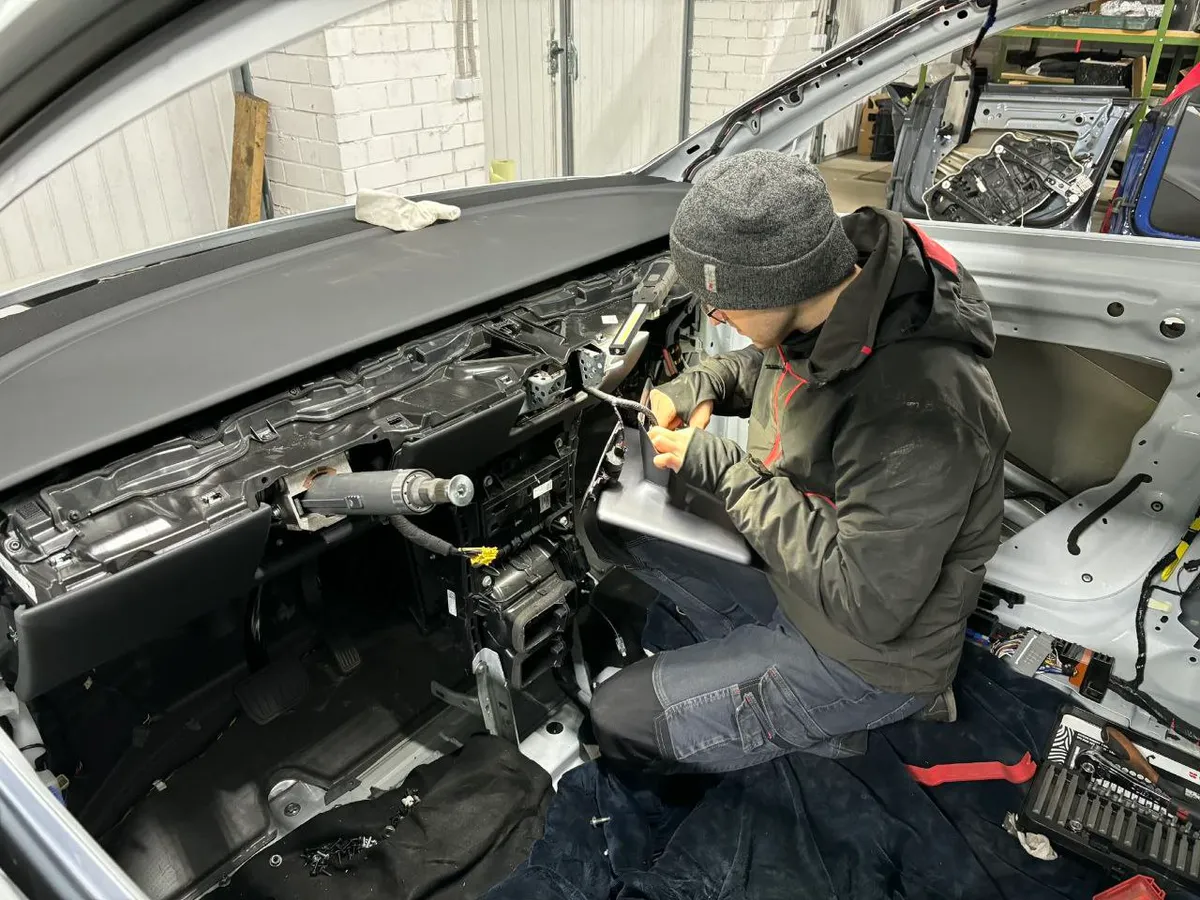
Your Tesla's climate system is dead simple to troubleshoot — most problems come down to a software glitch, a dirty cabin filter, or a setting you didn't know existed. Before you book a service appointment, run through these checks. They'll take 10 minutes and fix the majority of HVAC complaints.
TL;DR: Reboot by holding both scroll wheels for 10 seconds. If that doesn't fix it, check your cabin air filter and make sure Bioweapon Defense Mode or a recirculation setting isn't causing the issue. Still broken? Read on for model-specific diagnostics.
Quick Diagnosis: What's Happening?
Skip straight to your symptom:
| Symptom | Likely Cause | Jump To |
|---|---|---|
| AC blows warm air | Software glitch, low refrigerant | AC Not Cooling |
| Heater not warming cabin | Heat pump fault, PTC heater failure | Heater Not Working |
| No air from vents at all | Blower motor, cabin filter blockage | No Airflow |
| Weird smell from vents | Mold in evaporator, old cabin filter | Bad Smell Fix |
| Climate controls unresponsive | Touchscreen freeze | Controls Frozen |
| "Climate Keeper Disabled" error | 12V battery or software | Error Messages |
Start Here: The Scroll-Wheel Reboot
This solves about 60% of sudden HVAC failures. It's always the first thing to try.
- Park the car (you can do this while driving, but parked is safer)
- Hold both scroll wheels on the steering wheel simultaneously
- Wait 10–15 seconds — the screen goes black
- Release when the Tesla logo appears
- Wait about 30 seconds for full reboot
The HVAC system restarts along with the touchscreen. Check if your problem is gone.
Didn't work? Try the deeper reboot:
- Go to Controls → Safety & Security → Power Off
- Don't touch anything — no doors, no brake pedal, no screen taps
- Wait at least 3 full minutes
- Press the brake pedal to wake the car
This resets more subsystems than a scroll-wheel reboot and catches firmware-level HVAC glitches that the quick reboot misses.
AC Not Cooling
Your car runs but the cabin stays warm. Here's a step-by-step approach, easiest fix first.
Check the Basics
- Temperature setting: Make sure it's not set to HI. Tap the temperature on the bottom bar and drag it to your target (20–22°C is a good test)
- Auto vs. manual: Tap the fan icon and try switching to Auto mode. Manual mode at low fan speed won't cool a hot cabin fast enough
- Recirculation: Make sure air isn't stuck in recirculation mode. In a hot parking lot with a pre-heated cabin, you want fresh air initially to push the hot interior air out
Cabin Air Filter
A clogged filter starves the system of airflow. The AC compressor works fine, but barely any cold air reaches you.
Symptoms of a clogged filter:
- Weak airflow even at high fan speeds
- AC works great at highway speed (ram air helps) but poorly when parked
- Musty or stale smell
Where it is:
- Model 3/Y: Behind the center console trim under the glovebox. Two filters side by side
- Model S/X: Behind the lower dash panel on the passenger side (HEPA filter on some models)
Tesla recommends replacing the cabin filter every 2 years, but dusty environments or city driving can clog them in 12 months. If you haven't replaced yours in over a year, start here. It's a 15-minute job with no tools on Model 3/Y.
Low Refrigerant
If the AC cycles on and off, cools intermittently (especially only at highway speed), or the compressor makes clicking sounds, you may have a slow refrigerant leak.
Signs of low refrigerant:
- AC works after highway driving but fails in stop-and-go traffic
- Cool air from vents, but never truly cold
- Compressor clutch clicking on and off rapidly
Tesla uses R-1234yf refrigerant. The system is sealed from the factory and shouldn't lose charge — a leak means something needs repair.
What you can do:
- Put your hand over the vents and note the temperature at different fan speeds. If it's lukewarm even on max, that points toward refrigerant
- Check under the car for any oily residue near the front (condenser area) — refrigerant leaks often leave an oily film
What you can't DIY: Refrigerant work requires specialized equipment and certification in most countries. The charge weight is specific to your model (roughly 550–600 g for Model 3) and overcharging is as bad as undercharging. Take it to Tesla or a shop with R-1234yf recovery equipment.
Compressor Failure
If you hear nothing from the front when AC is on max, the compressor may have failed. This is uncommon but does happen, especially on higher-mileage cars.
The electric AC compressor in a Tesla is driven directly by the high-voltage battery — there's no belt. When it fails, it usually throws a diagnostic code that shows up in the Tesla app as a service alert.
This one needs professional repair. Compressor replacement runs $800–$1,500 including parts and labor.
Heater Not Working
Tesla uses two different heating systems depending on model year, and the troubleshooting differs.
Which System Does Your Tesla Have?
| Model & Year | Heating Type |
|---|---|
| Model S (pre-2021) | PTC resistive heater |
| Model S (2021+ Refresh) | Heat pump + PTC backup |
| Model 3 (2017–2020) | PTC resistive heater |
| Model 3 (2021+) | Heat pump + PTC backup |
| Model X (pre-2021) | PTC resistive heater |
| Model X (2021+) | Heat pump + PTC backup |
| Model Y (all years) | Heat pump + PTC backup |
PTC Heater Cars (Pre-2021 Model 3/S/X)
The PTC (Positive Temperature Coefficient) heater is basically a big electric heating element. When it fails:
- No warm air at all, or only lukewarm air
- High battery drain with no cabin heating
- Service alert: "Cabin Heater Performance Reduced"
DIY checks:
- Reboot the car (both methods described above)
- Check coolant level — the PTC heater transfers heat through coolant. Low coolant = weak heat. The coolant reservoir is in the frunk (Model 3) or front trunk area
- Look for any coolant leaks under the car (sweet smell, colored puddles)
PTC heater replacement runs roughly $400–$600 at Tesla Service. The part itself is about $550; independent shops may do it cheaper.
Heat Pump Cars (2021+ and All Model Y)
The heat pump is more efficient, but it's also more complex. It pulls waste heat from the battery and motors to warm the cabin, which works brilliantly down to about -10°C. Below that, the PTC backup kicks in.
Common heat pump issues:
High-pressure sensor fault (cold weather): This hit a lot of Model 3/Y owners in winter 2021–2022. The heat pump shuts off because a sensor reads pressure incorrectly in extreme cold. Tesla has addressed this through several OTA updates.
Fix: Make sure your software is current. Connect to Wi-Fi and check for updates under Controls → Software. If the problem persists with current software, Tesla Service needs to inspect the sensor.
Expansion valve sticking: Symptoms include intermittent heating — works fine for 20 minutes, then blows cold, then warm again. The thermal expansion valve can stick in cold weather.
Fix: Often resolves with a software update that adjusts valve behavior. If mechanical, it needs replacement at a service center.
Super Manifold / Octovalve issues: The 2021+ heat pump system uses an "octovalve" to route coolant between the battery, cabin, and motors. A faulty valve causes erratic temperature control.
Fix: This is a service center repair. The octovalve assembly costs roughly $200–$300 in parts.
Cold Weather Tips (All Models)
- Precondition while plugged in: Use the Tesla app to warm the cabin 15–20 minutes before departure. This uses wall power, not battery
- Turn on seat heaters first: They warm you faster than cabin air and draw less power
- Defrost mode cranks everything to max and overrides eco settings — use it when the windshield is fogging and nothing else works
- Scheduled Departure: Set your daily leave time under Charging → Schedule. The car preconditions the battery AND cabin automatically
No Airflow From Vents
The temperature reading seems right, but nothing comes out of the vents. This points to the blower motor or ductwork.
Check the Cabin Filter First
A completely blocked cabin filter can reduce airflow to almost nothing. This is the #1 cause. Pull the filter and check — even if it looks okay from the outside, hold it up to light. If you can't see through it, replace it.
Blower Motor
If you hear zero fan noise when climate is set to max fan speed, the blower motor may have failed.
Quick test:
- Turn fan speed to maximum
- Put your ear near the passenger footwell area
- You should hear a noticeable whirring sound
No sound at all? The blower motor or its controller has likely failed. On Tesla, the blower motor is not a simple DIY swap — it's integrated into the HVAC module behind the dashboard.
Cost: Blower motor replacement at Tesla Service runs about $300–$500.
Vent Direction
Sounds obvious, but Tesla's vent controls are touchscreen-only. Verify the airflow direction:
- Tap the fan icon on the bottom bar
- You'll see a visual of the cabin with blue dots showing where air is directed
- Drag the dots to point at yourself
- Make sure both driver and passenger sides are active
Bad Smell From Vents
A musty or sour smell when you first turn on the AC is mold or bacteria growing on the evaporator coil. Extremely common in humid climates.
Quick Fix
- Replace the cabin air filter — this alone often solves it
- Run AC on max with windows open for 10 minutes. This dries the evaporator
- Turn off AC 2–3 minutes before parking but leave the fan on. This dries the evaporator surface so mold can't grow
Deeper Clean
If the smell persists after a fresh filter:
- Buy an automotive AC evaporator cleaner foam (available at any auto parts store)
- Access the cabin filter housing
- With the filter removed, spray the foam into the evaporator area through the filter opening
- Let it sit for the time specified on the product (usually 15–30 minutes)
- Run the AC on recirculation for 10 minutes
- Install a new cabin filter
This treatment knocks out the mold colony and should keep the smell away for 6–12 months.
Climate Controls Unresponsive
You tap the temperature or fan controls and nothing happens, or the bottom climate bar has disappeared entirely.
Touchscreen Freeze
The climate controls are rendered by the same computer that runs the touchscreen. A frozen screen means frozen climate controls.
Fix: Scroll-wheel reboot (hold both for 10 seconds). Climate will resume at its last setting once the screen comes back.
"Climate System Fault" Alert
This alert in the Tesla app or on the touchscreen usually means a sensor or actuator has failed. Note the exact wording — it helps Tesla Service diagnose remotely.
Before scheduling service:
- Scroll-wheel reboot
- Full power-off reboot (3 minutes)
- Check for software updates
- Open and close all doors, then lock and unlock the car (resets some sensor states)
If the alert returns after all of that, you'll need a service appointment. Screenshot the alert for the technician.
Common Error Messages
| Error | Meaning | Fix |
|---|---|---|
| "Climate Keeper Disabled – Low Battery" | Battery too low to run climate while parked | Plug in or drive to charge above 20% |
| "Cabin Heater Performance Reduced" | PTC heater or heat pump fault | Reboot → check coolant → service if persistent |
| "A/C Compressor Disabled" | Compressor overheating or electrical fault | Let car cool for 30 min, reboot, service if it returns |
| "Climate System Fault" | General sensor/actuator failure | Reboot → update software → service |
| "Coolant Level Low" | Coolant leak or low level | Check coolant reservoir, top off or service |
When to Call Tesla Service
Book an appointment if:
- The problem persists after both reboot methods
- You see coolant puddles under the car
- The "Climate System Fault" alert won't clear
- Your heater stopped working completely in winter (safety issue)
- You hear grinding, clicking, or buzzing from behind the dashboard
Schedule through the Tesla app — it's faster than calling, and mobile service can handle many HVAC diagnostics at your location.
Maintenance That Prevents HVAC Problems
These three things keep the climate system running for years without issues:
-
Replace the cabin air filter every 12–24 months — the single best preventive measure. A $20 filter saves you from weak airflow, bad smells, and strain on the blower motor
-
Run AC for at least 10 minutes weekly, even in winter — this circulates refrigerant and lubricates compressor seals. If you never run the AC in cold months, seals can dry and leak
-
Keep software updated — Tesla regularly improves heat pump efficiency and fixes edge-case bugs through OTA updates. Connect to Wi-Fi regularly
The Tesla HVAC system is designed to last the life of the car. A little attention to the cabin filter and occasional reboots handle 90% of complaints. For the other 10%, at least you'll walk into the service center knowing exactly what's wrong.
Related Guides
- Tesla Coolant Flush & Change: Complete DIY Guide — Medium · Model 3, Model Y, Model S, Model X · Cooling System
- Tesla AC Not Cooling? Fix It Yourself in 30 Minutes — Easy to Intermediate · HVAC
- Tesla Heat Pump Problems: Diagnosis & Solutions — Medium · Model 3, Model Y, 2021+ Model S/X · HVAC
- Tesla Seat Heater Not Working: DIY Troubleshooting — Medium · Interior
- Tesla 2026.2.3 Update: Hidden Features, Battery Recalibration, Autopark & Service Mode Changes — Easy · Software & Tech
- Tesla Service Mode: How to Access It, What It Unlocks & When You Need It (2025 Guide) — Easy · Model 3, Model Y, Model S, Model X · Maintenance
- Tesla Coolant Valve Replacement: DIY Guide — Advanced · Model 3, Model Y · Cooling System

🛠️ Tools Needed for This Repair
These are the tools I personally use and recommend. Using quality tools makes the job easier and safer.
-
Cabin Air Filter for Tesla Model 3/Y
-
Cabin Air Filter for Tesla Model S/X
-
Tesla HEPA Filter Replacement
-
Automotive AC Thermometer
We earn commissions from qualifying purchases through our affiliate partners. This helps support the site at no extra cost to you.